

Overview
- A Technical SEO Audit Checklist is a diagnostic review that ensures search engines can successfully access, crawl, and index your website. While content drives rankings, technical SEO is the foundation that allows that content to be found.
- Many SMB sites struggle with organic growth because of hidden technical issues, not bad content. Common barriers include pages Google can’t reach, slow load times, duplicate pages, and weak structure.
- A technical audit focuses on speed, mobile usability, indexing, security, and site health. It helps ensure your best pages are visible, fast, and easy to navigate.
- Regular audits prevent costly SEO mistakes that often happen after updates, redesigns, or plugin changes. SMBs should run audits yearly, or more often if growing or competing heavily.
- Technical SEO removes the obstacles holding rankings back. Unlike content writing or ads, fixing these foundational issues often unlocks significant growth without the need to increase marketing spend.
Think of it like inspecting the foundation of a building. The structure may look great from the outside, but if the foundation is weak, everything built on top of it suffers. Technical SEO ensures your website is strong enough to support content, traffic, and conversions.
This guide walks through a complete technical SEO audit checklist tailored for SMB websites, with special attention to WordPress sites — the most common platform used by growing businesses.
What Is a Technical SEO Audit?
A technical SEO audit is a detailed review of how well your website functions from a search engine and user perspective.
Instead of focusing on keywords or blog content, it looks at whether your website:
- Can be easily accessed by search engines
- Displays the right pages in search results
- Loads quickly and smoothly
- Works well on mobile devices
- Avoids confusing or duplicate pages
- Provides a stable and secure browsing experience
In short, it checks whether anything behind the scenes is quietly stopping your site from ranking or converting.
Without a technical audit, it’s common for businesses to invest in content and marketing without realizing their website itself is limiting results.
Why Technical SEO Audits Matter for SMBs
Search Visibility Starts With Access
Search engines can only rank pages they can find and understand.
Technical SEO audits ensure that important pages are not accidentally hidden due to settings, broken links, or incorrect configurations. Even a single blocked page can mean lost traffic and lost revenue.
Faster Websites Perform Better
Slow websites frustrate users and push them away.
A technical audit identifies what’s slowing your site down — such as large images, unnecessary scripts, or poor hosting — and highlights improvements that can increase engagement, rankings, and conversions.
Mobile Experience Drives Results
Most website traffic now comes from mobile devices.
If your site is hard to use on a phone — slow loading, hard-to-tap buttons, unreadable text — both users and search engines notice. Technical SEO audits ensure your site works properly on all screen sizes.
Clear Structure Builds Trust
A well-organized website is easier to navigate and easier to rank.
Audits uncover confusing site structures, pages buried too deep, and missing internal links that weaken both user experience and search visibility.
Preventing Costly SEO Mistakes
Technical issues often appear after updates, redesigns, or plugin changes.
A technical SEO audit acts as protection — catching problems early before they impact traffic, rankings, or leads.
Tools Used in a Technical SEO Audit
You don’t need advanced tools to understand technical SEO, but professionals use reliable platforms to uncover hidden issues.
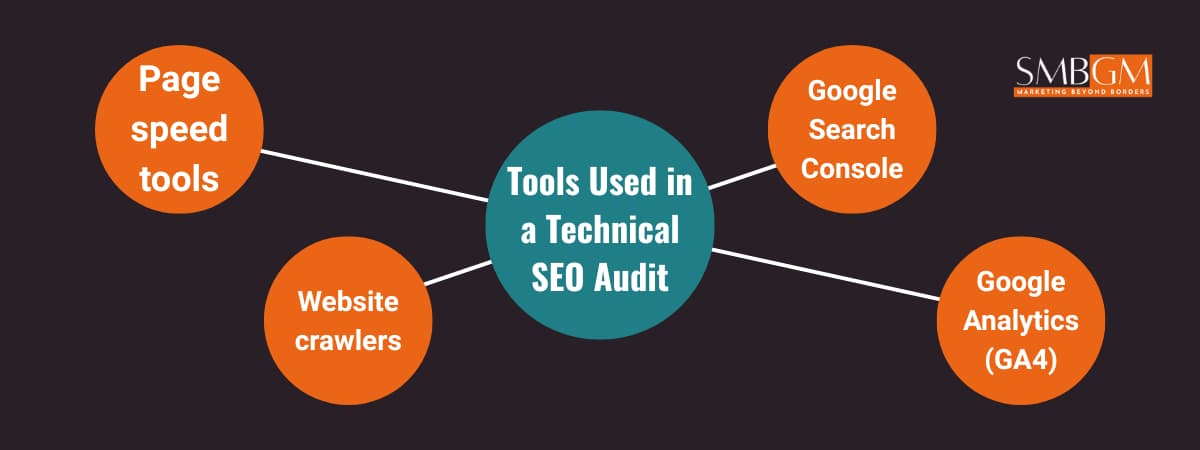
Commonly used tools include:
- Google Search Console – shows how Google views your site
- Google Analytics (GA4) – reveals how visitors behave
- Website crawlers – scan your site the way search engines do
- Page speed tools – highlight load time and performance issues
These tools help identify problems, but the real value comes from knowing what the issues mean and which ones matter most.
How a Technical SEO Audit Works
A technical audit follows a clear order. Fixing advanced problems before basic ones leads to wasted effort.
The correct sequence is:
- Make sure search engines can access your site
- Confirm the right pages are being shown in search results
- Clean up site structure and navigation
- Improve speed and performance
- Ensure mobile usability
- Check security and stability
- Review WordPress-specific settings
Each step strengthens the foundation for the next.
Technical SEO Audit Checklist
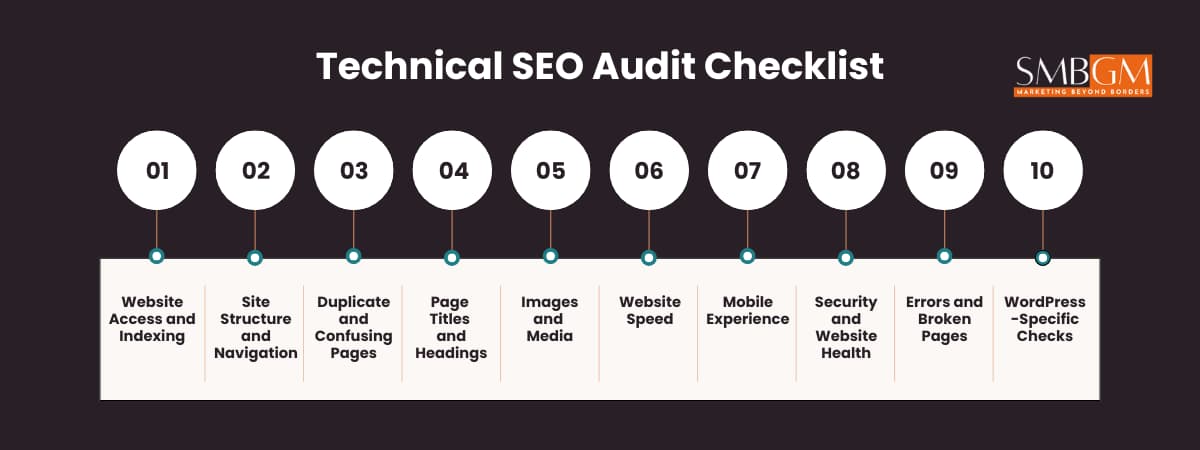
1. Website Access and Indexing
The first priority is making sure search engines can reach your website.
Checklist:
- One main website version (no duplicates)
- All other versions redirect correctly
- No important pages blocked accidentally
- A working sitemap submitted to Google
- No important pages hidden from search results
If search engines can’t access a page, it cannot rank — no matter how good it is.
2. Site Structure and Navigation
Your website should be easy to explore for both users and search engines.
Checklist:
- Clean, readable page URLs
- Important pages easy to reach
- No pages isolated from the rest of the site
- Logical menus and internal links
Clear structure helps search engines understand what matters most on your site.
3. Duplicate and Confusing Pages
Some websites accidentally create multiple versions of the same page.
Checklist:
- One clear version of each page
- No unnecessary copies of content
- Low-value pages hidden from search results
Cleaning this up helps your strongest pages perform better.
4. Page Titles and Headings
Titles and headings tell search engines and users what a page is about.
Checklist:
- One clear page title per page
- Descriptions that encourage clicks
- Clear headings that guide readers
These elements improve understanding and visibility.
5. Images and Media
Media-heavy pages often slow sites down.
Checklist:
- Images sized correctly
- Images described properly
- Pages load quickly without delays
Optimized media improves speed and usability.
6. Website Speed
Speed directly affects rankings and conversions.
Checklist:
- Pages load quickly
- No unnecessary scripts
- Hosting supports growth
Faster sites keep users engaged.
7. Mobile Experience
Mobile visitors expect smooth experiences.
Checklist:
- Easy-to-read text
- Buttons easy to tap
- Pages load quickly on mobile
Good mobile experiences improve trust and rankings.
8. Security and Website Health
Secure websites build confidence.
Checklist:
- Secure browsing (HTTPS)
- No security warnings
- Website software kept up to date
Security issues can remove your site from search results entirely.
9. Errors and Broken Pages
Broken pages frustrate users and search engines.
Checklist:
- No broken links
- Clean redirects
- Stable server performance
Fixing errors improves reliability and rankings.
10. WordPress-Specific Checks
WordPress sites need extra attention.
Checklist:
- No conflicting plugins
- Simple setup
- Search engine visibility enabled
- Regular maintenance
Lean WordPress sites perform better.
How Often SMBs Should Run Technical SEO Audits
- Small websites: once a year
- Growing businesses: every six months
- Competitive industries: quarterly
Audits are especially important before redesigns or major updates.
What a Technical SEO Audit Does Not Include
A technical SEO audit does not cover:
- Writing content
- Running ads
- Social media marketing
- Full conversion testing
It provides clarity — not execution.
Final Thoughts
Technical SEO is not about complexity.
It’s about removing invisible obstacles that stop your website from performing.
For SMBs, fixing a few foundational issues often unlocks growth without increasing marketing spend.
SEO opens the door. Technical SEO makes sure the door actually works.
Ready to Fix What’s Holding Your Website Back?
If organic traffic feels unpredictable or growth has slowed, technical issues are often the reason.
SMB Global Marketing provides clear, actionable technical SEO audits designed for real business results.
Book a technical SEO audit and uncover what’s quietly limiting your website’s growth.









 English
 Español